Safe-autonomy layer: install → eval → plan → build → pause → resume

Let agents run. Pause before they thrash.

Forgeloop is the fail-closed control plane for coding agents. Install it into a repo, run real plan/build loops against tests and checks, and when the same failure keeps repeating, Forgeloop pauses, preserves state, writes escalation artifacts, and asks the human for the next move instead of free-spinning.

What happens when the agent gets stuck

Forgeloop turns a bad loop into a reviewable handoff:

  1. stops retrying the same failure
  2. writes [PAUSE] into REQUESTS.md
  3. drafts ESCALATIONS.md and QUESTIONS.md
  4. records state in .forgeloop/runtime-state.json

Quick install

Install the kit into any repo, prove the control plane, then run a planning/build cycle. Secondary systems like skills and knowledge can compound later.

REPO=/path/to/target-repo
./install.sh "$REPO" --wrapper
cd "$REPO"
./forgeloop.sh evals
./forgeloop.sh plan 1
./forgeloop.sh build 10
# Optional: ./forgeloop.sh sync-skills
# Continuous mode: ./forgeloop.sh daemon 300
proof first machine-readable state fail-closed pauses repo-local install

How it works

The core loop is simple: prove the runtime, plan work, build against real checks, and pause into a clean human handoff when the same failure keeps repeating. Knowledge, experts, skills, and ingestion are optional systems that compound on top of this base loop.

flowchart LR
    I[Install into repo] --> E[Run ./forgeloop.sh evals]
    E --> P[Plan work]
    P --> B[Build against checks]
    B --> D{Passing?}
    D -->|Yes| N[Next task]
    D -->|No, repeated| X[Pause + escalate]
    X --> A[Write REQUESTS / QUESTIONS / ESCALATIONS / runtime-state]
    A --> H[Human answers once]
    H --> R[Resume cleanly]
    R --> B
            
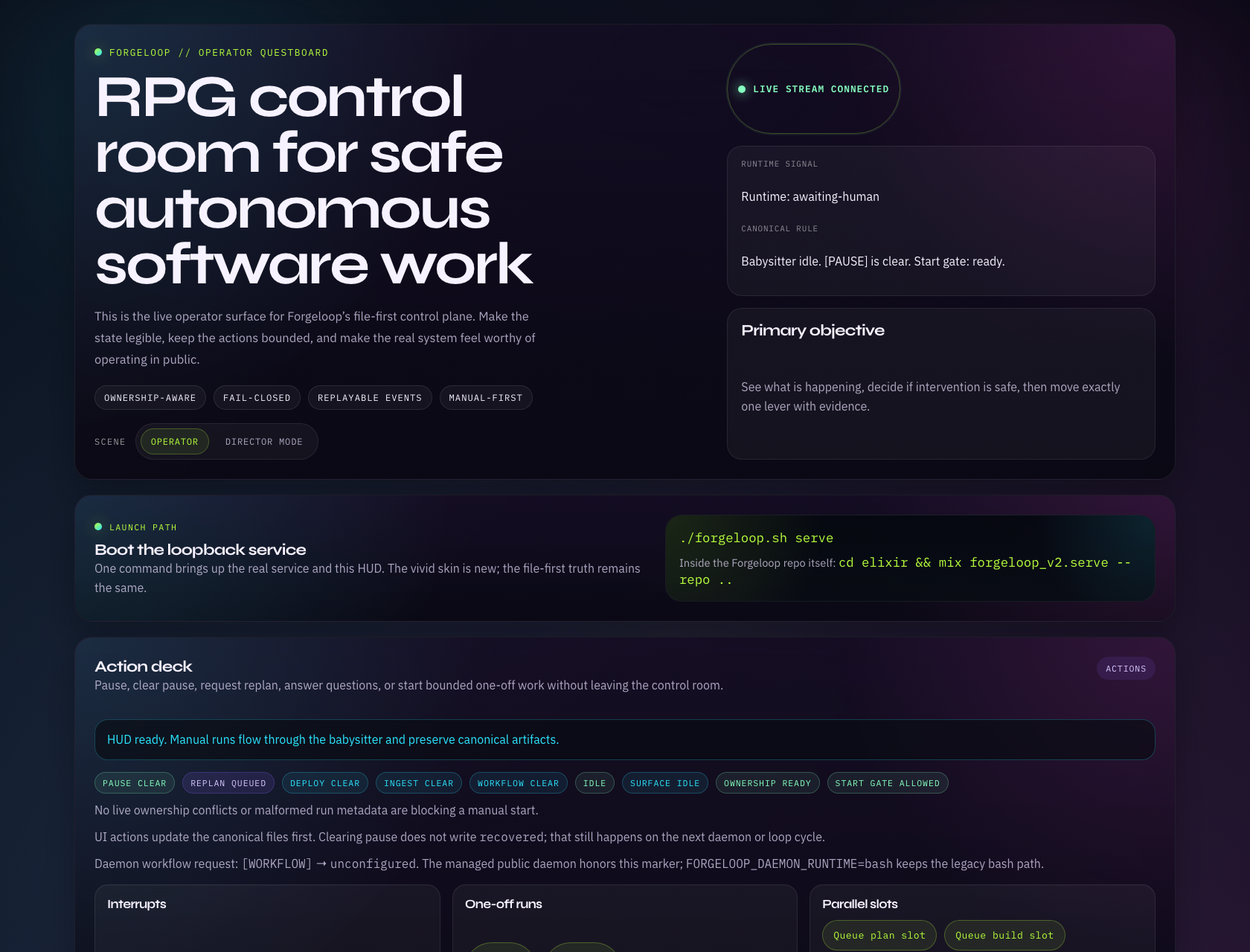
Daemon mode: Optionally run ./forgeloop.sh daemon 300 to poll on an interval and run loops automatically. Control with [PAUSE], [REPLAN], [DEPLOY], and [INGEST_LOGS]. When verify/CI/push keeps failing, Forgeloop pauses and drafts the handoff instead of free-spinning.
1

Install + prove

Install Forgeloop into the repo, then run ./forgeloop.sh evals so you know the control plane, runtime state, and escalation path work in this layout.

2

Plan + build

Run planning/build loops against your real specs, repo checks, and branch state instead of one-shot prompt glue.

3

Pause + resume

Repeated failures stop the loop, draft the handoff, and wait for human input. Clear the blocker once, then resume cleanly.

Full-auto ≠ reckless: in auto-permissions mode, the agent can run arbitrary commands. Run in a dedicated VM/container. Treat the environment as disposable. See docs/sandboxing.md.

Secondary system: Skills

Skills are an optional compounding layer. When a workflow becomes reusable, capture it as a repo-local Skill so Claude Code / Codex can discover and reuse it.

Operational (ICs)

One job. Repeat forever. The “how we do X here” playbook that keeps agents consistent across repos and time.

single-purpose scripts/ references/

Meta (managers)

Plan, gate, and steer the loop. Keep standards consistent. Turn “good taste” into a repeatable protocol.

project-architect skillforge completion-director

Composed (middle management)

Chain skills into a delivery pipeline: brief → plan → forge → execute → validate. Build your internal “skill factory”.

builder-loop voltrons

Forge + sync

Project skills live at skills/ (repo root). The kit ships a base library under forgeloop/skills/. Sync them into .claude/skills (Claude Code) and .codex/skills (Codex) so agents can discover and reuse them. If a sandbox blocks Codex mirroring or a destination exists as a non-symlink (your custom skill), sync-skills will warn and skip.

./forgeloop.sh sync-skills
# Optional: also install to user skill dirs (Codex/Claude/Amp)
./forgeloop.sh sync-skills --all
# Force overwrite non-symlink collisions
./forgeloop.sh sync-skills --force-symlinks
Keep skills secondary: the control plane should be trustworthy even if you never create a single Skill. Add them when a workflow is clearly worth repeating.

Secondary system: Knowledge & Experts

Integrated from marge-simpson: persistent memory across sessions and domain expert routing for specialized guidance. These are helpful, but they are not daemon control flags and they are not the main product promise.

Knowledge Persistence

Session-to-session memory stored in system/knowledge/. Tracks decisions, patterns, preferences, and codebase insights. Entries decay after 90+ days without access.

decisions.md patterns.md preferences.md insights.md
./forgeloop.sh session-start   # Load context
./forgeloop.sh session-end     # Capture knowledge

Domain Expert System

Specialized guidance loaded from system/experts/ based on task keywords. Experts provide guidance; Skills provide procedures. Use both together.

architecture security testing implementation devops

Lite Mode

For simple one-shot tasks that don't need full planning overhead. Use --lite for direct execution without status tracking or iteration.

./forgeloop.sh build --lite 1   # One-shot, uses AGENTS-lite.md
./forgeloop.sh build --full 10  # Full mode (default)

Two Workflow Lanes

Forgeloop supports two approaches to task tracking. Pick based on your workflow: human-in-the-loop vs full automation.

Checklist Lane (default)

Uses IMPLEMENTATION_PLAN.md with markdown checkboxes. Best for human-in-the-loop workflows where you want to review and modify the plan.

./forgeloop.sh plan 1
./forgeloop.sh build 10
human-readable editable

Tasks Lane (optional)

Uses prd.json with machine-readable passes: true/false flags. Best for full automation with structured task definitions.

./forgeloop.sh tasks 10
machine-readable progress.txt

Comparison

Checklist Lane Tasks Lane
Task file IMPLEMENTATION_PLAN.md prd.json
Progress Markdown checkboxes passes: true/false
Run command ./forgeloop.sh build N ./forgeloop.sh tasks N
Best for Human review/edits Full automation
Tracking STATUS.md progress.txt

What gets added to your repo

Forgeloop steers by signs: prompts, operational notes, patterns in your codebase, and backpressure from tests/typecheck/lint. This kit drops in the structure so the signs are consistent — plus a typed Skills library (forgeloop/skills) and room for repo-specific skills (skills/) so your workflow compounds over time.

File layout

Installer writes prompts + coordination files at repo root, and vendors the kit at ./forgeloop.

./
├─ AGENTS.md
├─ AGENTS-lite.md           # Lite mode (one-shot tasks)
├─ PROMPT_plan.md
├─ PROMPT_plan_work.md
├─ PROMPT_build.md
├─ PROMPT_tasks.md          # Tasks lane prompt
├─ IMPLEMENTATION_PLAN.md
├─ REQUESTS.md
├─ QUESTIONS.md
├─ STATUS.md
├─ CHANGELOG.md
├─ prd.json                 # (optional) Tasks lane task file
├─ progress.txt             # (optional) Tasks lane progress
├─ system/
│  ├─ knowledge/            # Session memory (from marge-simpson)
│  │  ├─ _index.md
│  │  ├─ decisions.md
│  │  ├─ patterns.md
│  │  ├─ preferences.md
│  │  ├─ insights.md
│  │  └─ archive.md
│  └─ experts/              # Domain guidance (from marge-simpson)
│     ├─ _index.md
│     ├─ architecture.md
│     ├─ security.md
│     ├─ testing.md
│     ├─ implementation.md
│     └─ devops.md
├─ .claude/
│  └─ skills/               # (generated) Claude Code skill mirror
├─ .codex/
│  └─ skills/               # (generated) Codex skill mirror
├─ skills/                  # (optional) your project skills
│  ├─ operational/
│  ├─ meta/
│  └─ composed/
├─ specs/
│  ├─ feature_template.md
│  └─ ...
├─ docs/
│  ├─ README.md
│  └─ ...
└─ forgeloop/
   ├─ bin/
   │  ├─ loop.sh            # Main build loop
   │  ├─ loop-tasks.sh      # Tasks lane loop
   │  ├─ forgeloop-daemon.sh    # Daemon mode
   │  ├─ ingest-report.sh   # Report ingestion
   │  ├─ ingest-logs.sh     # Log ingestion
   │  ├─ kickoff.sh         # Kickoff helper
   │  ├─ sync-skills.sh     # Skills discovery (Claude Code / Codex / Amp)
   │  ├─ session-start.sh   # Load knowledge context
   │  └─ session-end.sh     # Capture session knowledge
   ├─ lib/
   │  ├─ core.sh            # Logging, notifications, git helpers
   │  └─ llm.sh             # LLM routing with failover
   ├─ skills/
   │  ├─ operational/
   │  │  ├─ prd/SKILL.md                # PRD generation skill
   │  │  └─ tasks/SKILL.md              # PRD → prd.json conversion
   │  ├─ meta/
   │  │  ├─ skillforge/SKILL.md         # Scaffold new Skills
   │  │  ├─ project-architect/SKILL.md  # Plan + skill opportunities
   │  │  └─ completion-director/SKILL.md # Closed-loop execution
   │  └─ composed/
   │     └─ builder-loop/SKILL.md       # End-to-end orchestration
   ├─ config.sh
   └─ ...

Routing + knobs

Works with Codex and/or Claude. By default: Codex plans/reviews, Claude builds. Override via env.

  • AI_MODEL=claude|codex force one model
  • FORGELOOP_AUTOPUSH=false by default
  • FORGELOOP_PLAN_AUTOPUSH push on plan/plan-work iterations (no CI gate)
  • FORGELOOP_ALLOW_PRD_VERIFY_CMD allow verify_cmd from prd.json (tasks lane)
  • FORGELOOP_FAILURE_ESCALATE_AFTER set the repeated-failure pause threshold
  • FORGELOOP_FAILURE_ESCALATION_ACTION choose the drafted human handoff action
  • ./forgeloop.sh sync-skills refresh skill discovery (Claude Code; Codex mirror when writable)
  • ./forgeloop.sh upgrade --from /path/to/kit refresh the vendored runtime in place
  • FORGELOOP_TEST_CMD run after review auto-fixes
  • FORGELOOP_DEPLOY_CMD used by daemon on [DEPLOY]
  • FORGELOOP_INGEST_LOGS_CMD / FORGELOOP_INGEST_LOGS_FILE used by daemon on [INGEST_LOGS]
  • CODEX_PLANNING_CONFIG / CODEX_REVIEW_CONFIG reasoning tuning
Tune it like a guitar: if Forgeloop is producing the wrong shape of code, don’t only tweak prompts — add better utilities/patterns and strengthen backpressure. The repo itself becomes the steering wheel.

How to use it

Two common paths: start a new repo from scratch (kickoff + plan + build), or augment an existing repo (specs + plan + build + occasional kit upgrades). Either way, the control loop is the same.

New project (greenfield)

  • Install kit + wrapper:
    ./install.sh /path/to/your/new-repo --wrapper
    cd /path/to/your/new-repo
    ./forgeloop.sh evals

    Tip: In TTY, existing files prompt for skip/overwrite/merge/diff. Use --batch for CI or --force to overwrite all.

  • Generate a kickoff prompt (paste into your memory-backed agent):
    ./forgeloop.sh kickoff "<one paragraph project brief>"
  • Apply the patch your memory-backed agent returns (creates docs/*, specs/*, and a solid plan). Then run:
    ./forgeloop.sh plan 1
    ./forgeloop.sh build 10
    # Add --watch or --infinite for continuous looping

Read the full kickoff workflow: docs/kickoff.md

Provision a Forgeloop-equipped VM (GCP)

The whole point: run full-auto without giving an agent access to your personal machine. Provision a dedicated runner VM, then clone your repo and loop.

One command

Requires gcloud on your laptop. Uploads the kit to the VM, installs Node/pnpm + agent CLIs (best-effort), and stores keys in /etc/forgeloop/keys.env.

OPENAI_API_KEY=... ANTHROPIC_API_KEY=... \
  ops/gcp/provision.sh --name forgeloop-runner \
  --project <gcp-project> --zone us-central1-a
Security: treat runners as disposable. Use least-privilege tokens. Never put personal SSH keys or browser cookies on the VM.

After it’s up

SSH in, clone your target repo, install the kit, and run loops in tmux.

gcloud compute ssh forgeloop-runner \
  --project <gcp-project> --zone us-central1-a

mkdir -p ~/work && cd ~/work
git clone <your-repo-url> repo
/opt/forgeloop/install.sh ~/work/repo --wrapper

cd ~/work/repo
./forgeloop.sh plan 1
./forgeloop.sh build 10

More details: ops/gcp/README.md and docs/sandboxing.md